Payments
Accept one-time crypto payments online.
Open the interactive version or read this guide as markdown.
API reference
- POST
/api/v1/payments: Create a payment - GET
/api/v1/payments/reference/{reference}: Retrieve a payment - GET
/api/v1/payments: List payments
A payment is a single charge for a set amount. You create it in fiat, and CoinCircuit prices it in the crypto your customer picks, locks the rate, and collects the funds. The customer pays in any supported asset, CoinCircuit confirms it on the blockchain, and your server gets a webhook the moment it clears so you can fulfil the order.
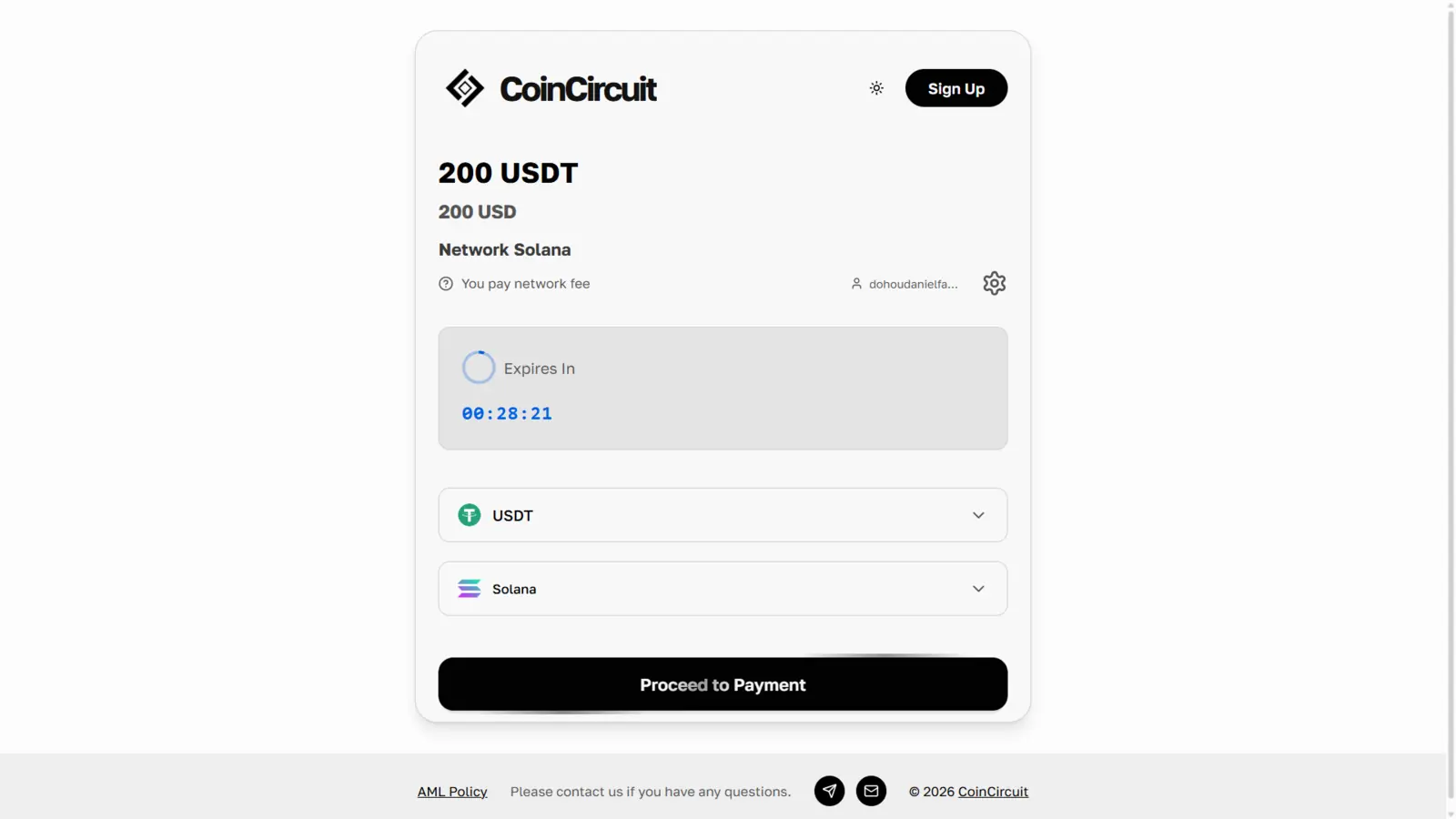
How it works
- Create a payment session with
POST /api/v1/payments. - Redirect the customer to the checkout page.
- Wait for a payment webhook event.
- Verify the payment status.
- Fulfil the order.
Request fields
| Field | Type | Required | Description |
|---|---|---|---|
title |
string | Yes | Title shown on the checkout page. |
description |
string | Yes | Description of what the payment is for. |
amount |
string | Yes | Fiat amount as a string, e.g. "10000.00". |
currency |
string | Yes | NGN or USD. |
customer |
object | Yes | email is required. firstName, lastName, and phone are optional. |
asset |
string | No | Cryptocurrency to accept: BTC, ETH, USDT, USDC, SOL, BNB, or TRX. Omit to let the customer choose. |
chain |
string | No | Network to accept it on: bitcoin, ethereum, solana, bsc, tron, base, or arbitrum. |
successUrl / cancelUrl |
string | No | HTTPS redirect URLs after payment or cancellation. |
webhookUrl |
string | No | HTTPS URL that receives webhook events for this session. |
feePaidBy |
string | No | Who pays the network fee: customer or merchant. Defaults to your dashboard setting. |
metadata |
object | No | Key-value data stored on the session and returned in webhooks. |
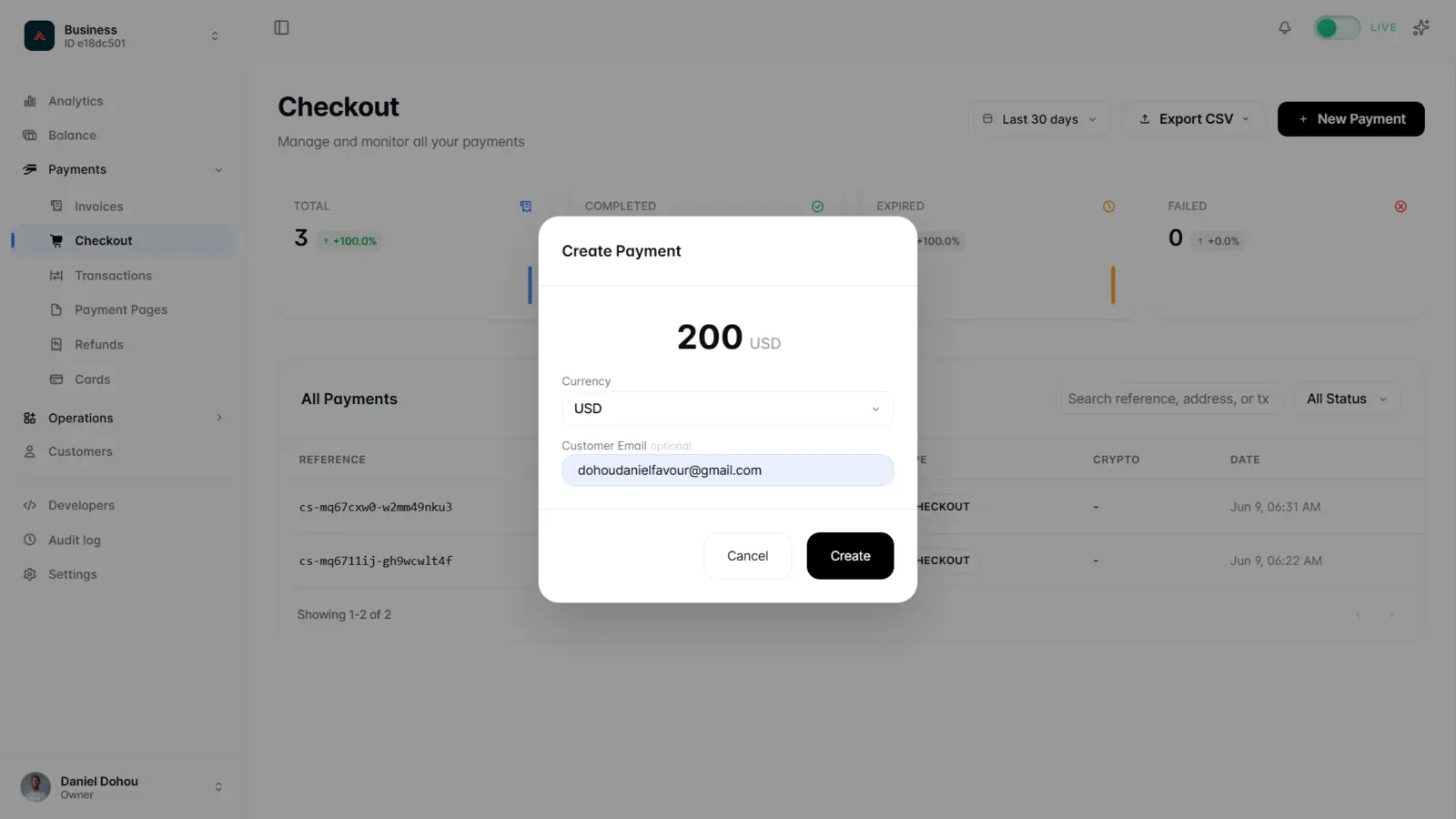
You can also create a one-off payment from the dashboard:
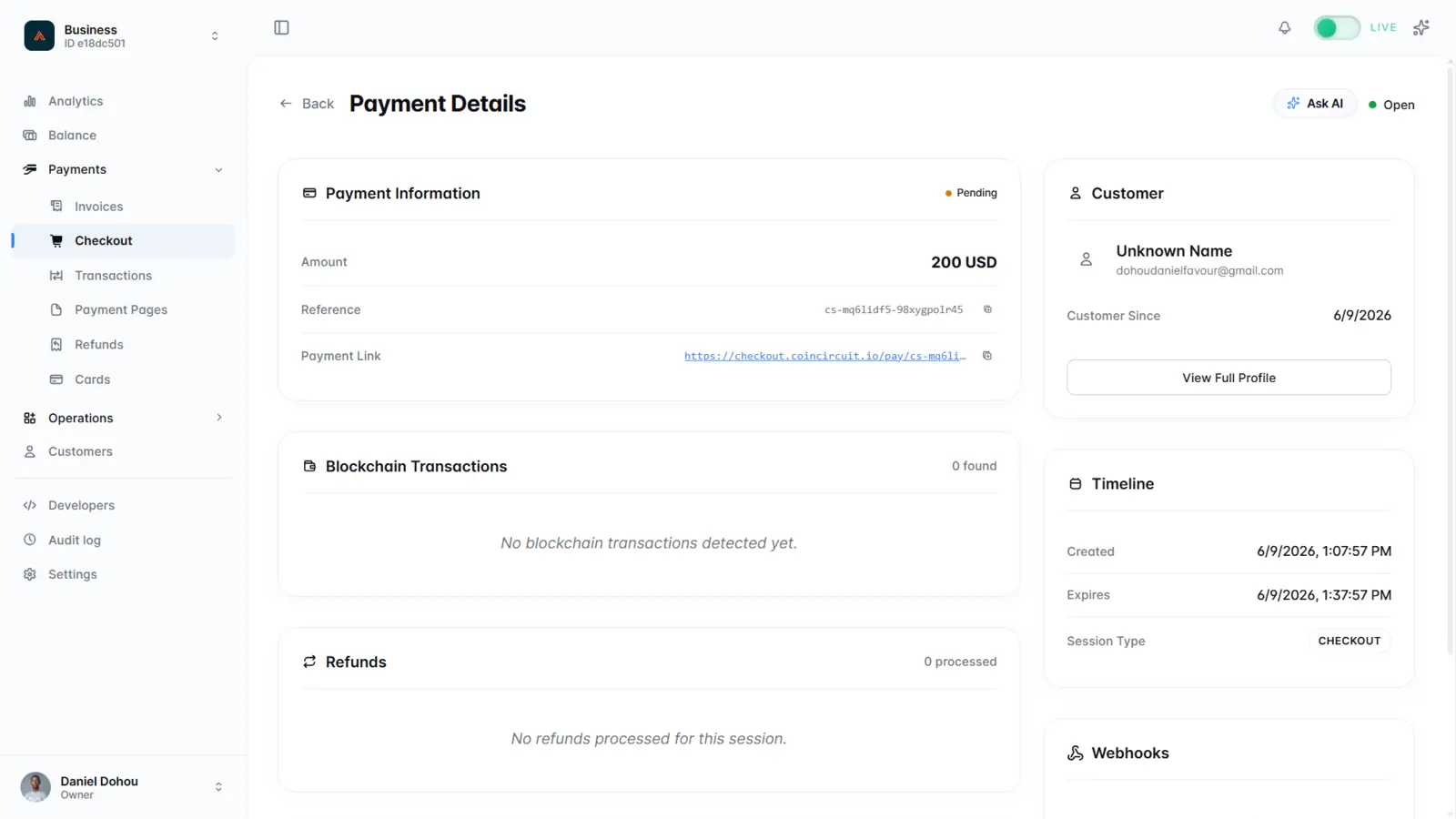
Each session has a detail view with its status, reference, payment link, and transactions:
Webhook events
| Event | Description |
|---|---|
transaction.received |
Transaction has been detected. |
transaction.confirmed |
Transaction has been confirmed on the blockchain. |
payment.completed |
Payment completed successfully. |
payment.partial |
Partial payment received. |
payment.underpaid |
Payment amount was insufficient. |
payment.expired |
Payment session expired. |
Use cases
- E-commerce and digital product checkout
- Pay-per-use billing and top-ups
- Single payments with a known amount
Store your internal order ID in
metadatato receive it in webhook events.